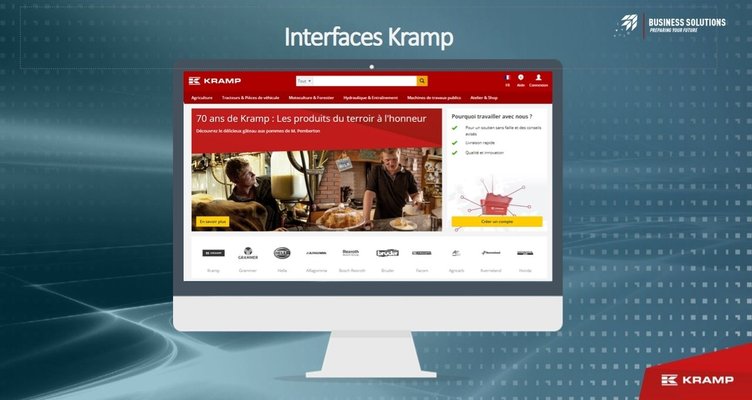
Thanks to the Kramp EDI interfaces, you can easily connect your BLG instance to your Kramp account and take full advantage of all the benefits of EDI: place a purchase order from BLG, and receive your delivery notes and invoices directly.
Discover all the features of the Kramp EDI:
- Keep every piece of information on a product sheet and purchase prices up to date. This update depends on each supplier’s policy. The update capacity is available in batches of up to 500 items.
- Real-time verification of item availability in the supplier’s stock when creating a quote.
- Sending of a purchase order created in blgCloud, then transmitted to the supplier’s system (DMS, etc.).
- For delivery notes to be imported and processed in the supplier’s system, the "supplier reference" field must have been filled in automatically, or manually beforehand, on the purchase order. Updates of delivery note statuses must be done manually.
- The invoice import service in blgCloud can only take place once invoices have been issued in the supplier’s system (DMS, etc.). For this, the "supplier reference" field must be present on the purchase order.
- The credit note import service in blgCloud can only take place once credit notes have been issued in the supplier’s system (DMS, etc.). For this, the "supplier reference" field must be present on the purchase order.
Install this application now to simplify your daily management!





Discover all the features of the Kramp EDI:
- Keep every piece of information on a product sheet and purchase prices up to date. This update depends on each supplier’s policy. The update capacity is available in batches of up to 500 items.
- Real-time verification of item availability in the supplier’s stock when creating a quote.
- Sending of a purchase order created in blgCloud, then transmitted to the supplier’s system (DMS, etc.).
- For delivery notes to be imported and processed in the supplier’s system, the "supplier reference" field must have been filled in automatically, or manually beforehand, on the purchase order. Updates of delivery note statuses must be done manually.
- The invoice import service in blgCloud can only take place once invoices have been issued in the supplier’s system (DMS, etc.). For this, the "supplier reference" field must be present on the purchase order.
- The credit note import service in blgCloud can only take place once credit notes have been issued in the supplier’s system (DMS, etc.). For this, the "supplier reference" field must be present on the purchase order.
Install this application now to simplify your daily management!